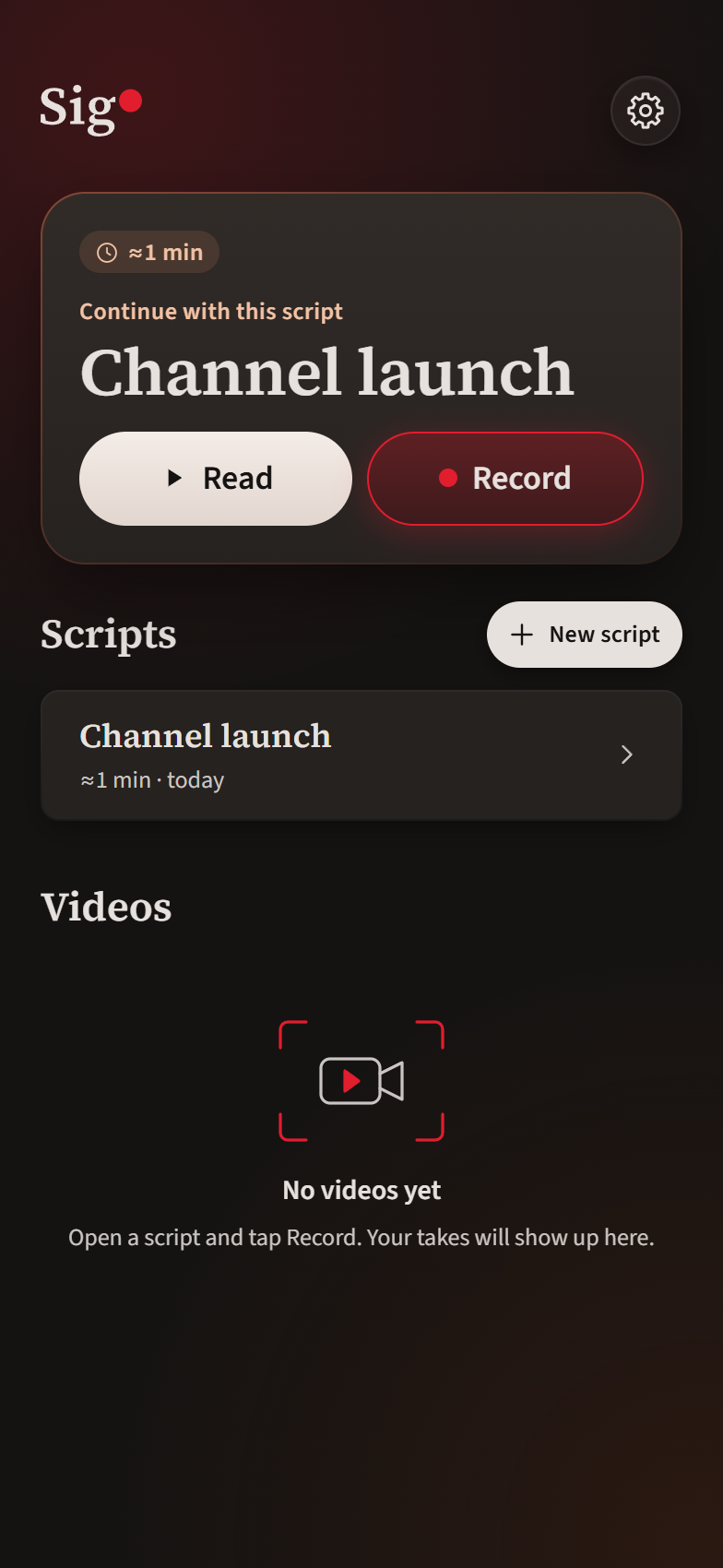
Videos
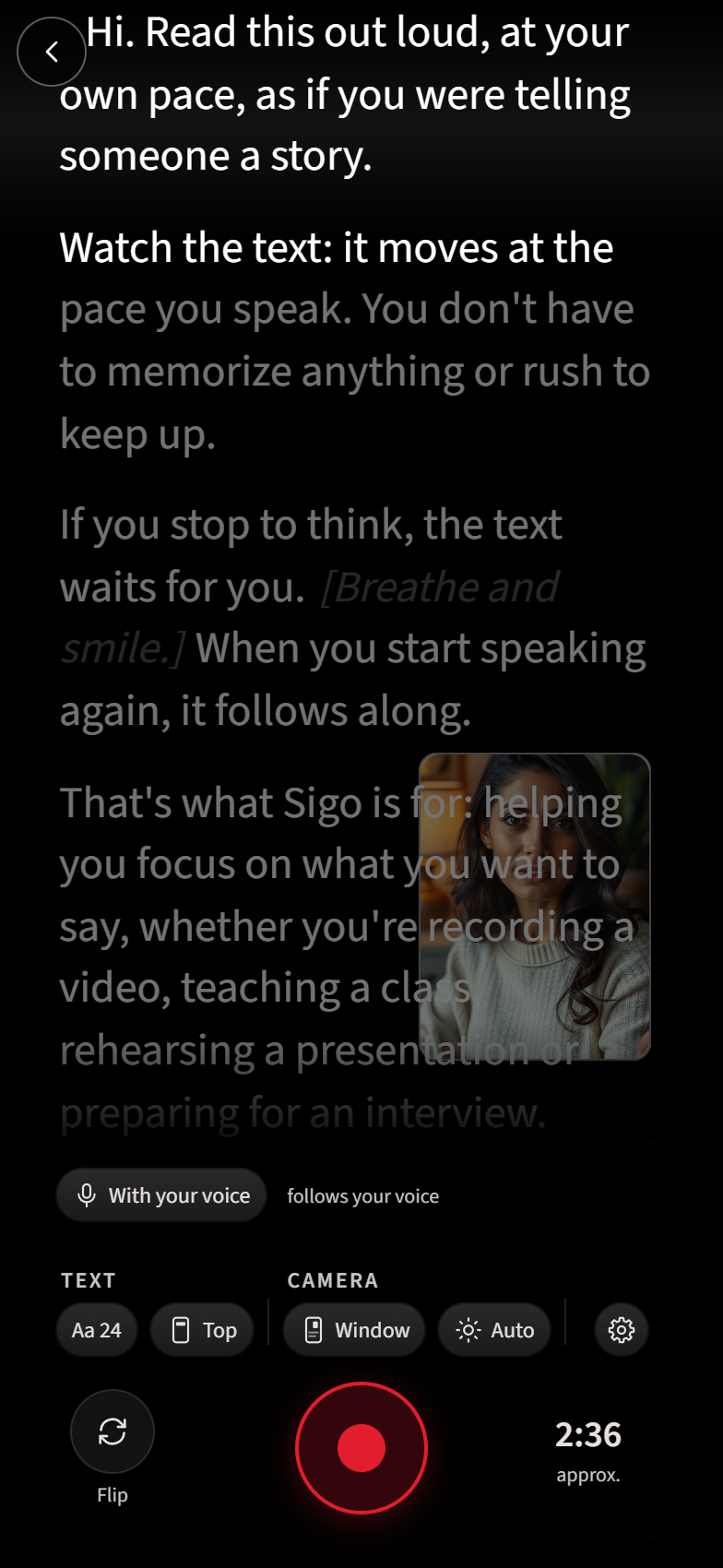
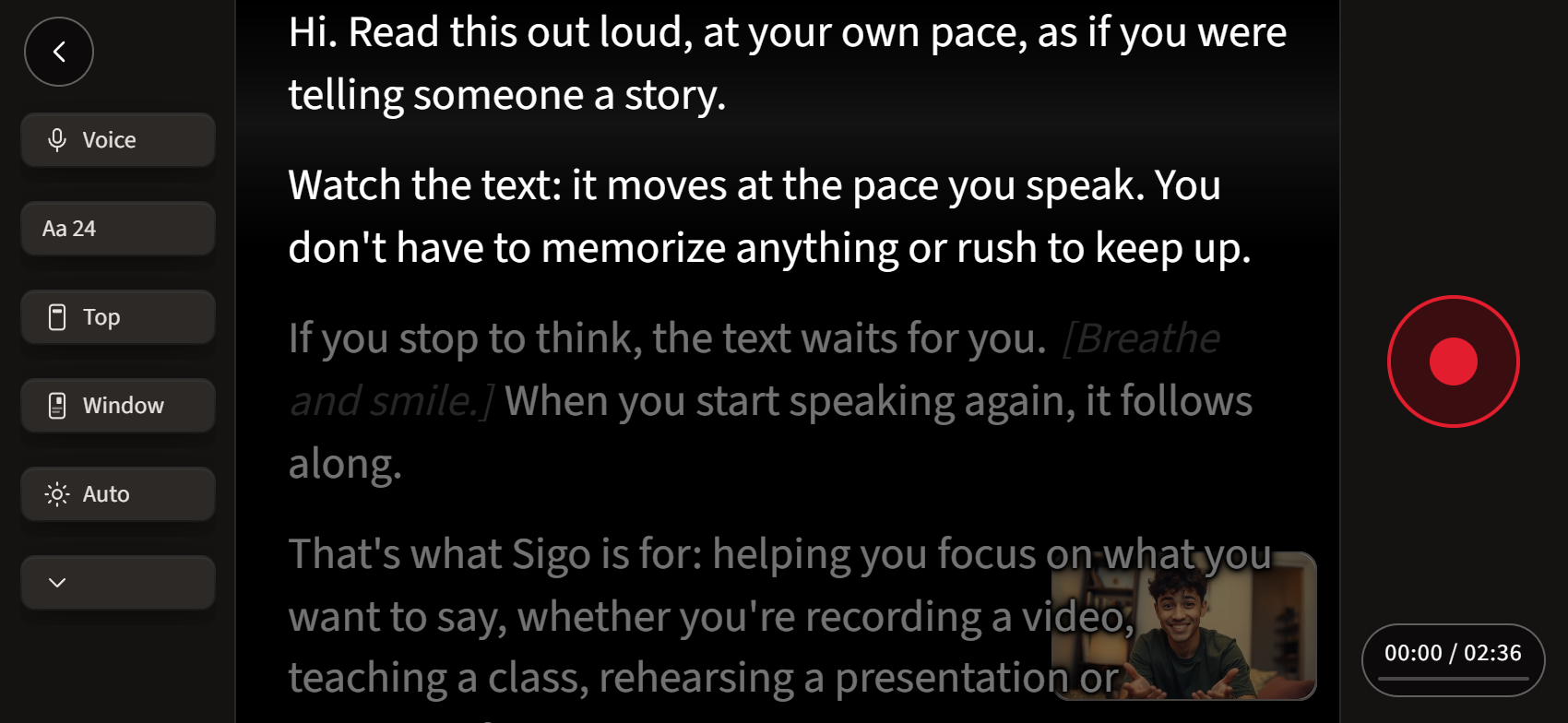
Record with the front or rear camera, in portrait or landscape. See yourself behind the text, in a movable window, or keep the camera view hidden while recording.
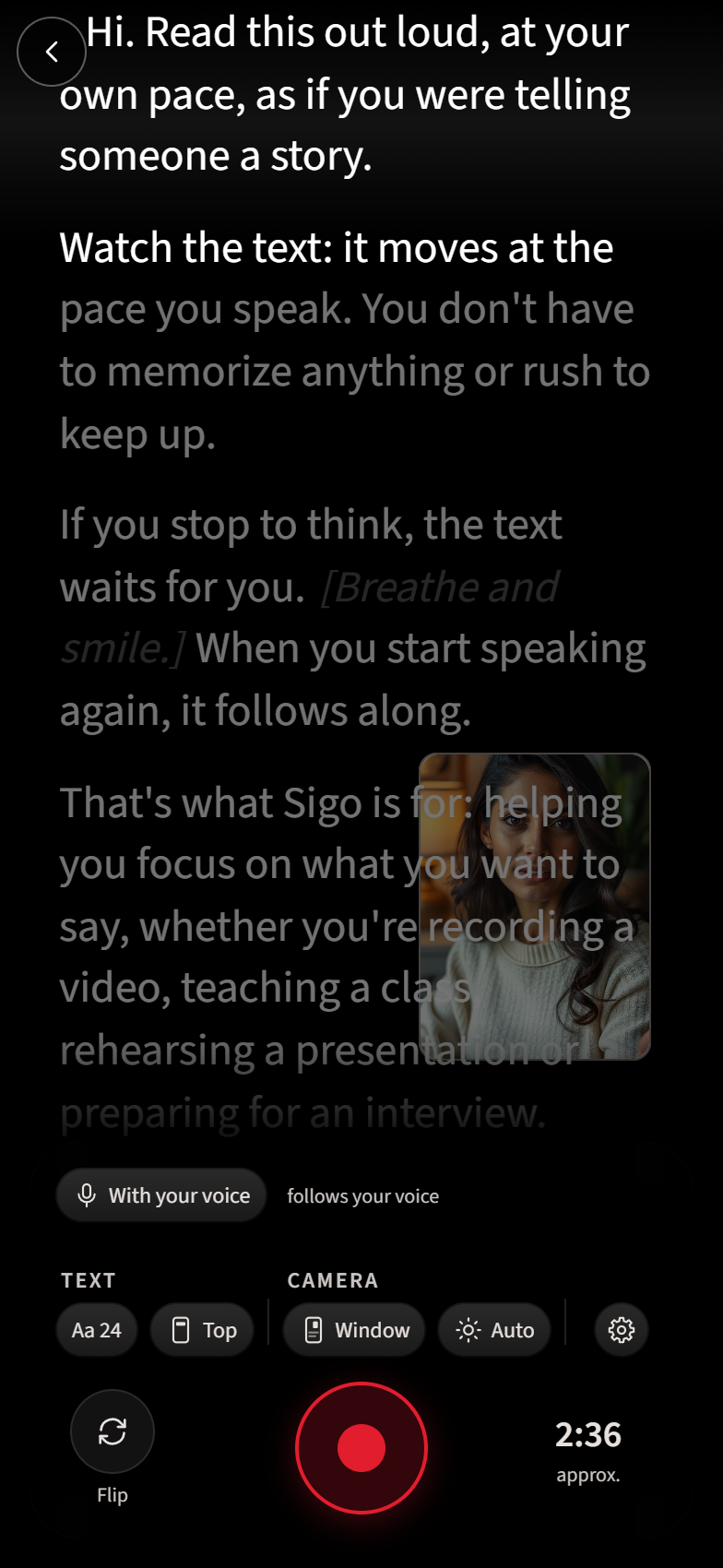
The teleprompter that follows your voice.
How it works
Speak, and the text moves with you. No hands, no scrolling.
It waits
The text moves with you and waits when you pause.
Your video
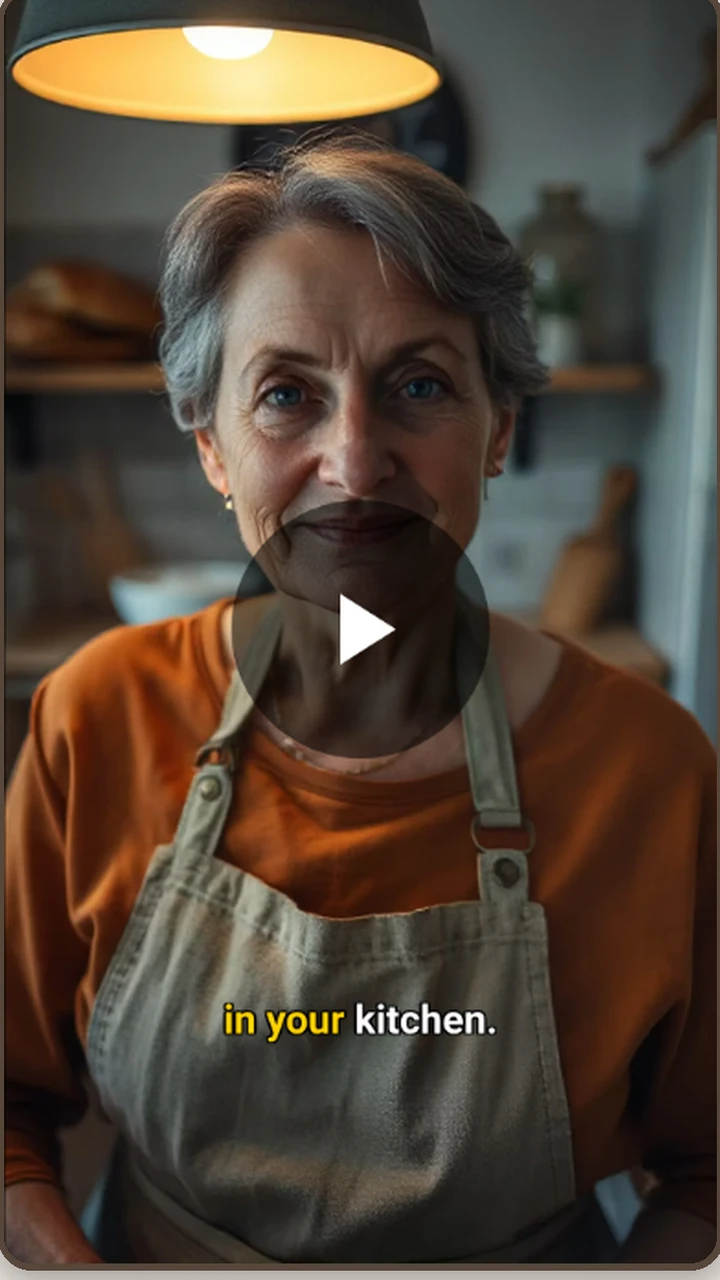
Captions use the words in your script and the timing of your voice.
What it’s for
Read your script at your own pace while recording a video, preparing a class or rehearsing a presentation.
Record with the front or rear camera, in portrait or landscape. See yourself behind the text, in a movable window, or keep the camera view hidden while recording.
Prepare your class script and read at your own pace. When you pause, the text waits.
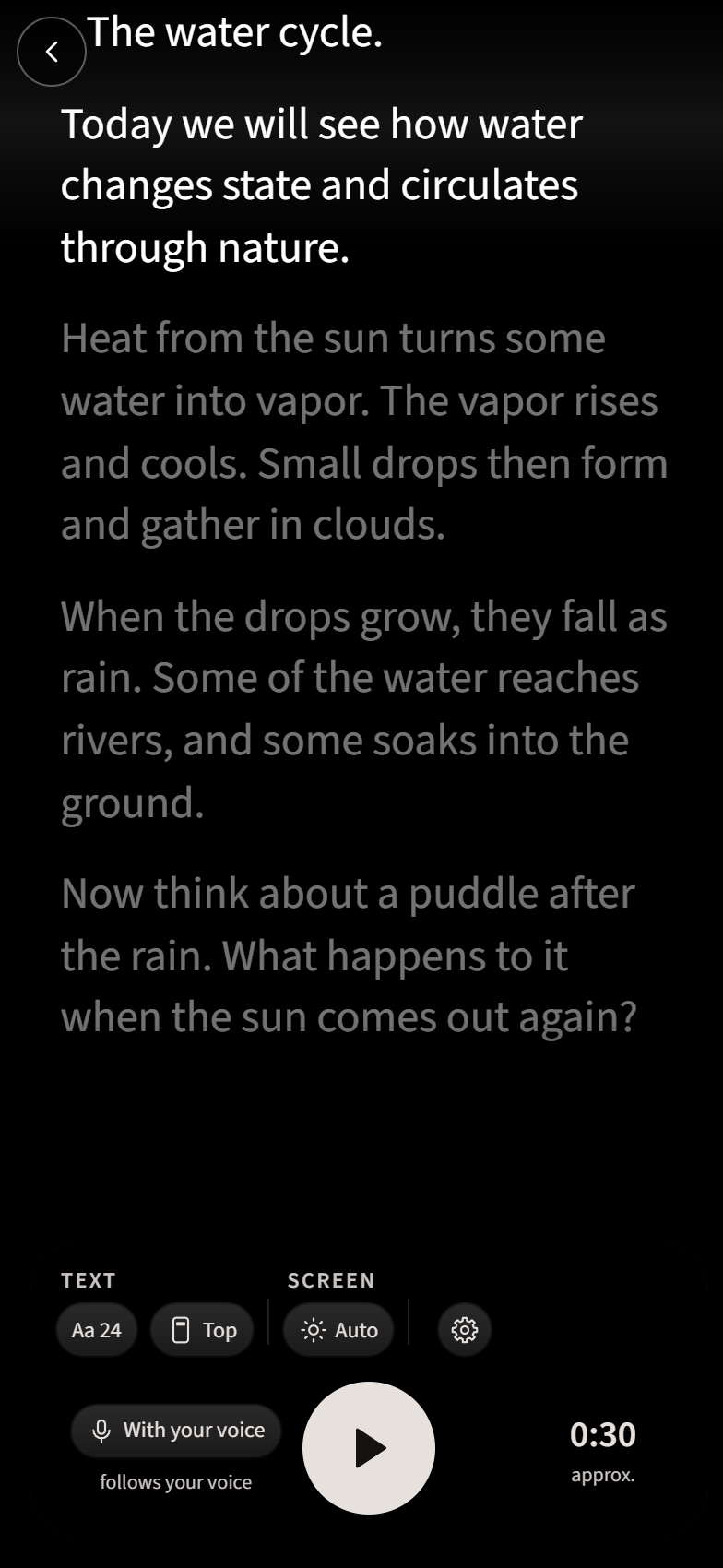
Rehearse your presentation without recording. Read at your own pace as the text follows your voice.
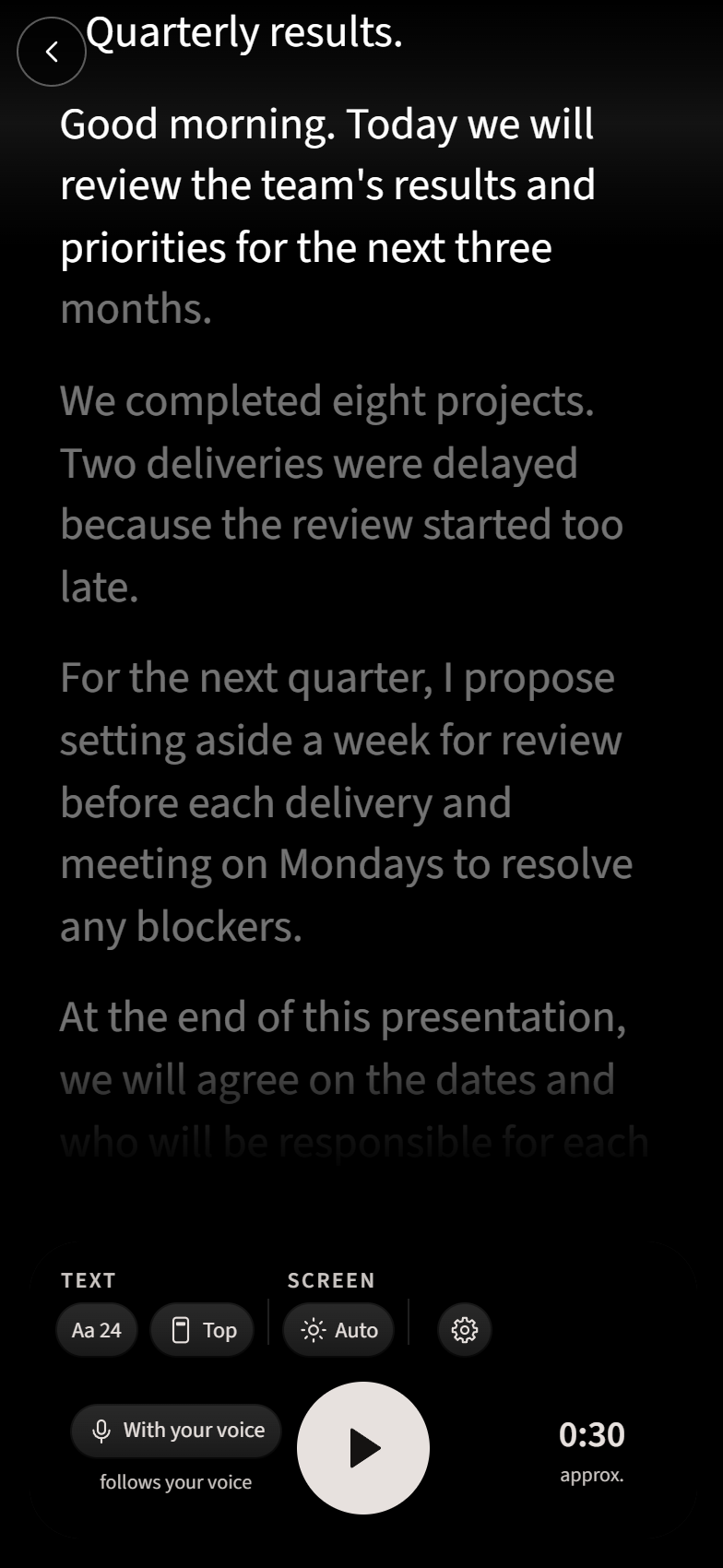
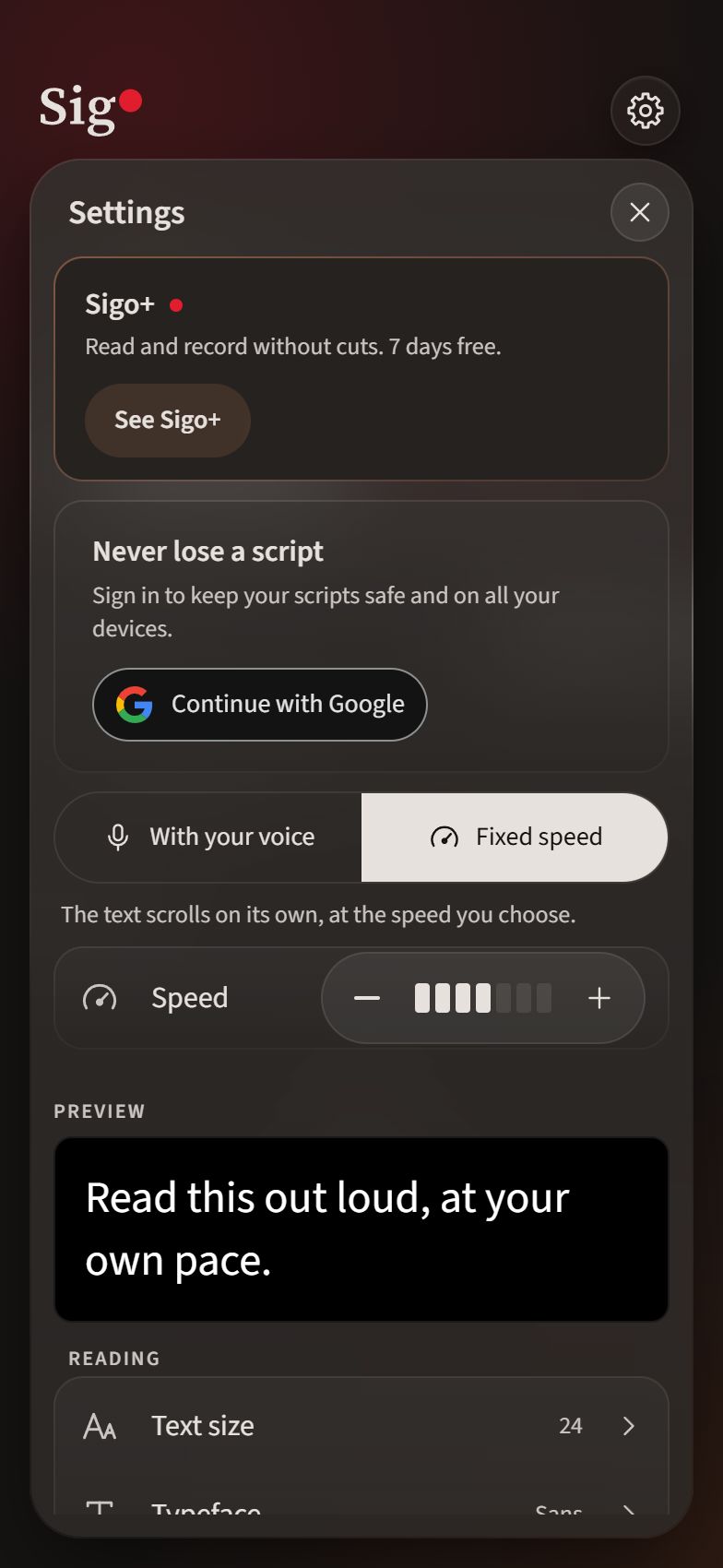
You can also read without recording, at a fixed speed, until the words feel natural.
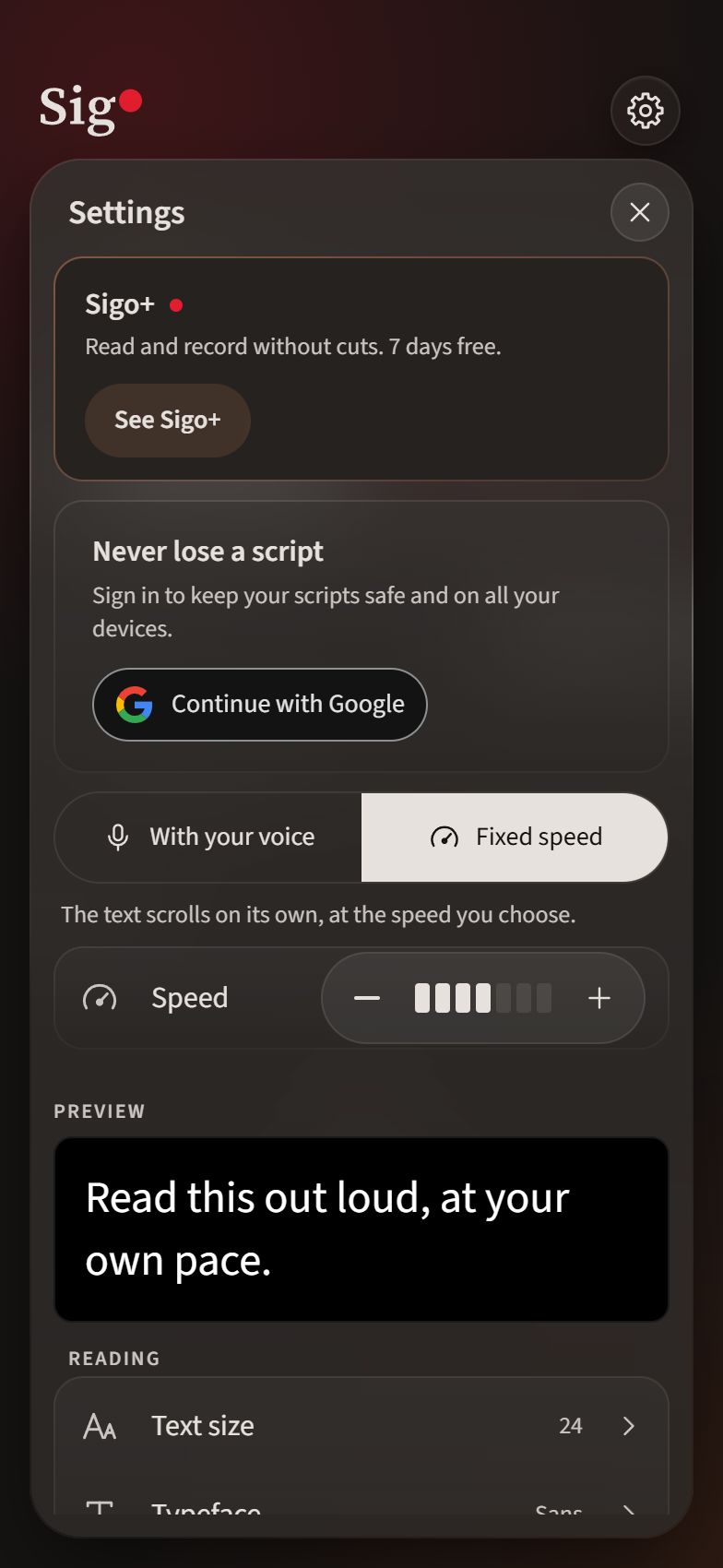
The app itself
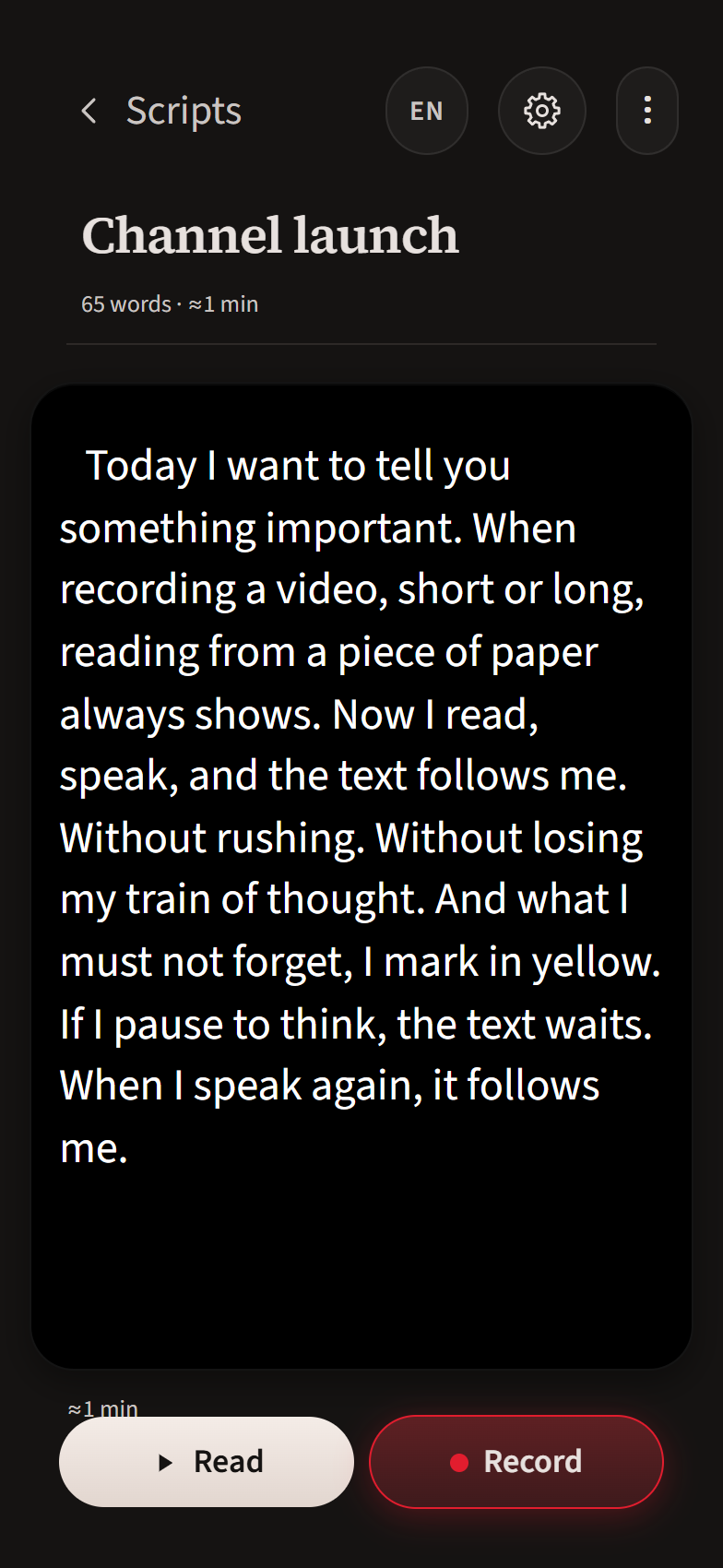
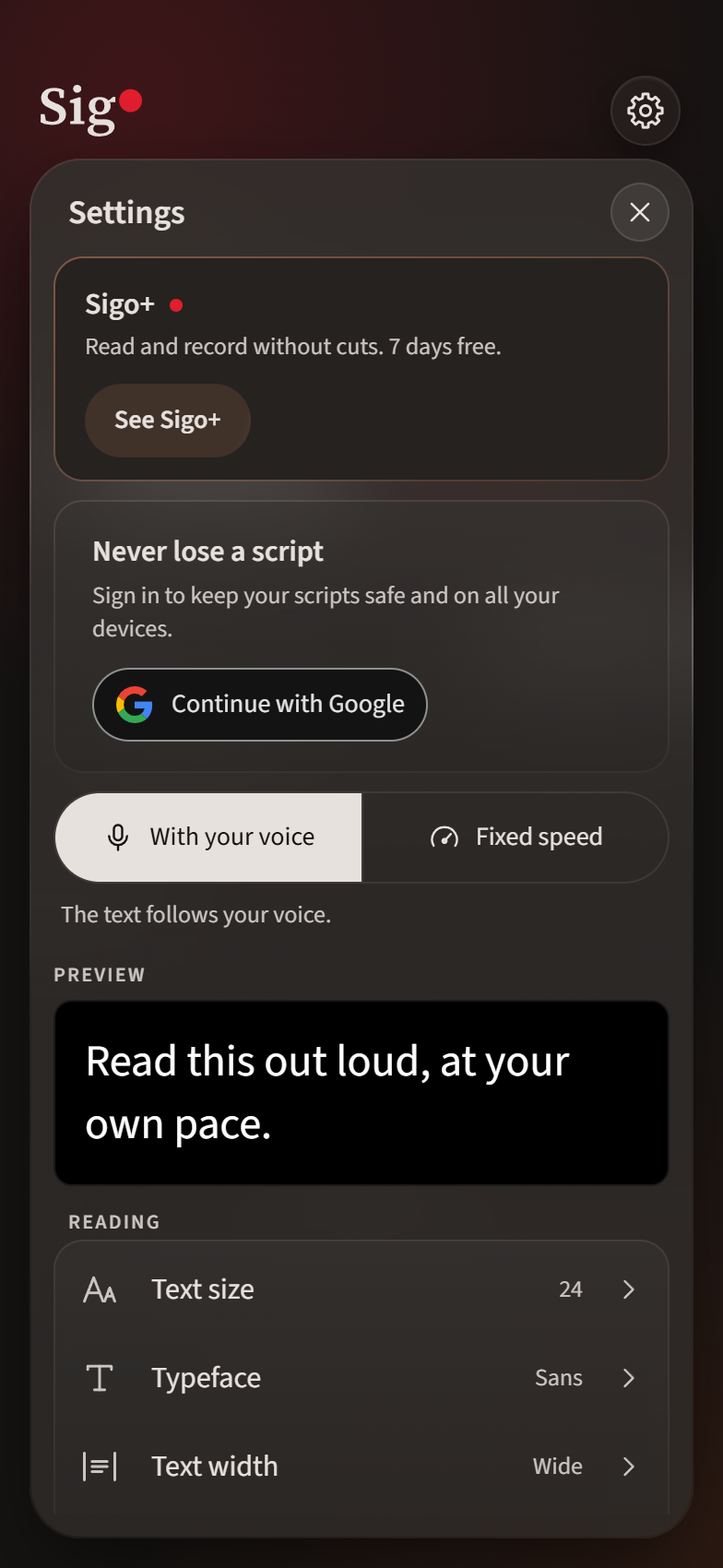
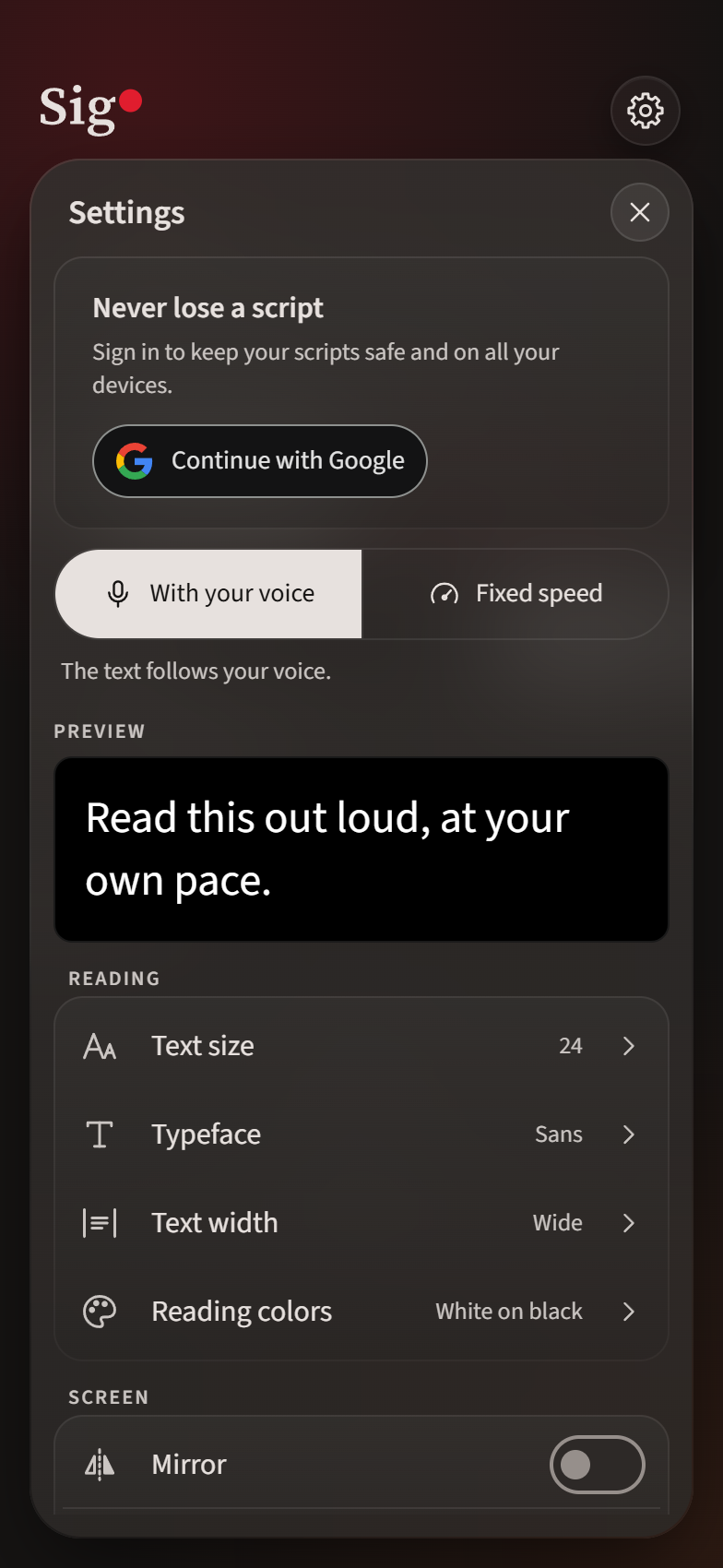
Adjust text size, font, width and colors. Add bold text, colors and highlights to your script.
1 / 6
Keep your scripts safe
Write, paste text or import .txt, .md and .docx files. You can use Sigo without signing in.
To back up your scripts and recover them on another phone, sign in with Google.
The teleprompter that follows your voice.